Core workflows
Reading a document
Page through the original alongside the extracted content.
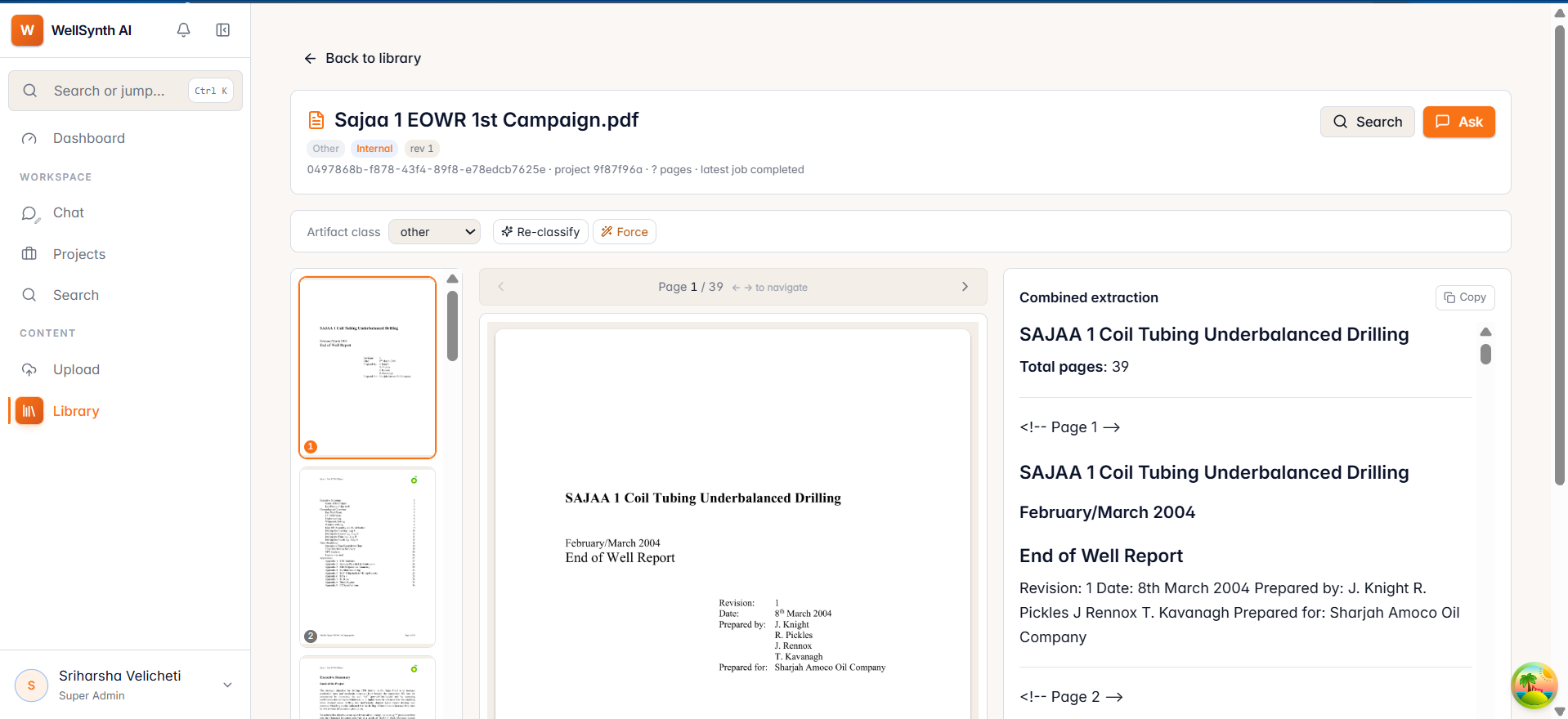
Opening a document shows its pages alongside the extracted content WellSynth indexed.
Read and navigate
- The thumbnail rail on the left lets you jump to any page.
- The page preview is in the centre — use the ← → arrows or your keyboard arrow keys to page through.
- The extracted text panel shows the machine-readable content for the current page; use Copy to grab it.
Act on a document
From the header you can:
- Ask — jump to chat pre-scoped to this document, so answers come only from it.
- Search — run a search limited to this document.
Tip: when you need a precise answer from one report, open it and use Ask — scoping to a single document gives the most exact, well-cited answers.