Core workflows
Generating strategic reports
Synthesize a whole project's documents into one cited, structured report.
Beyond ad-hoc chat, WellSynth can generate a strategic report — a single, structured, cross-document analysis of an entire project (for example, every End-of-Well report in a field). It's heavy on numbers and comparisons across wells, and it's fully cited.
Generate a report
- Open Reports from the sidebar — or use the Reports action on a project card — and choose a project.
- Select Generate report.
- Pick a template (e.g. Well strategic analysis), a coverage mode, and an optional title.
- Select Generate. The report is queued and runs in the background.
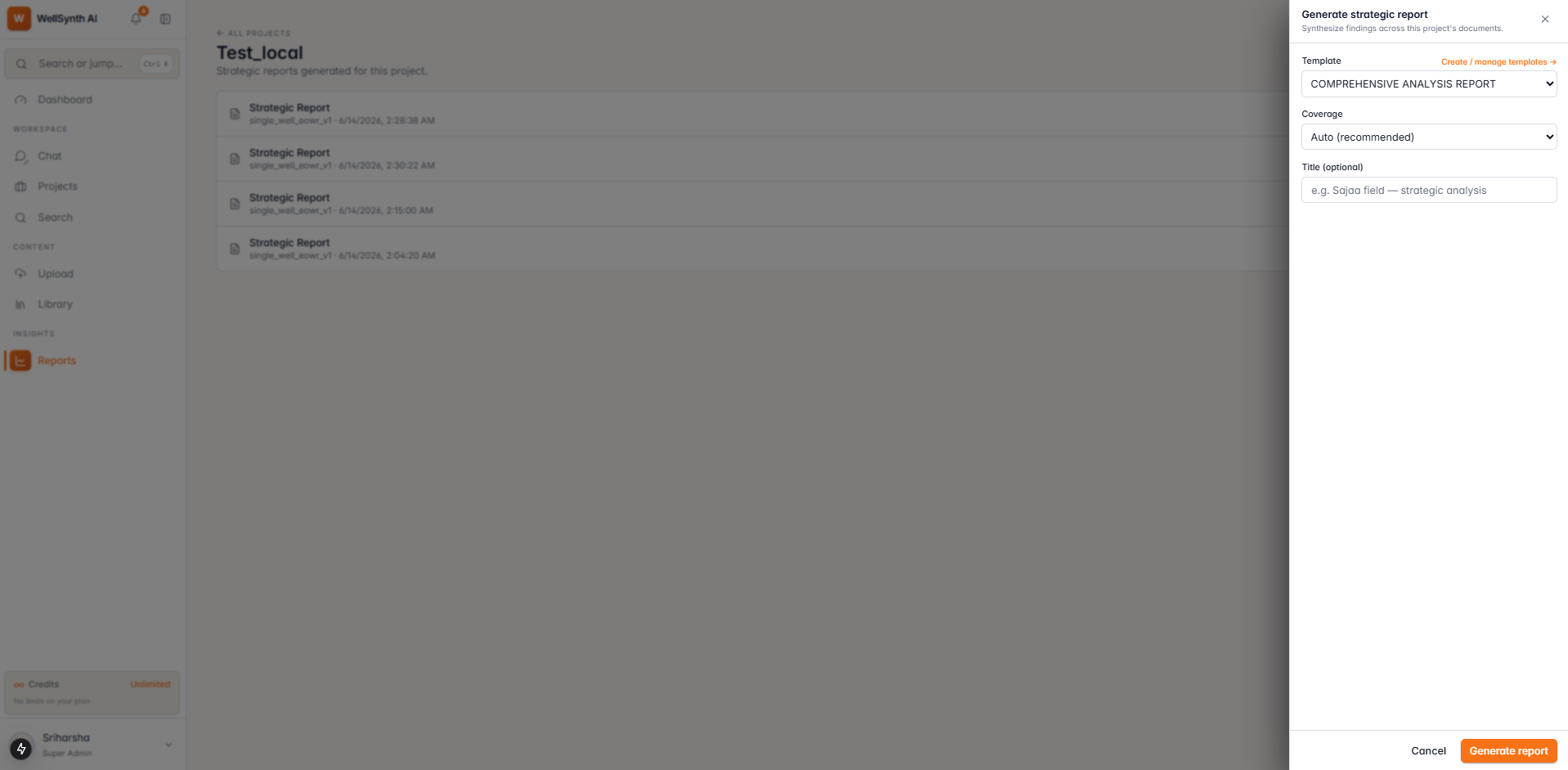
Note: only one report generates per project at a time, and the project must contain documents. You can leave the page — generation continues, and you'll be notified when it's ready.
Track progress
While a report runs, its page shows the current phase, a progress bar (sections completed of total), an estimated time remaining, and a per-section checklist that ticks off as each section is synthesized.
Read & export
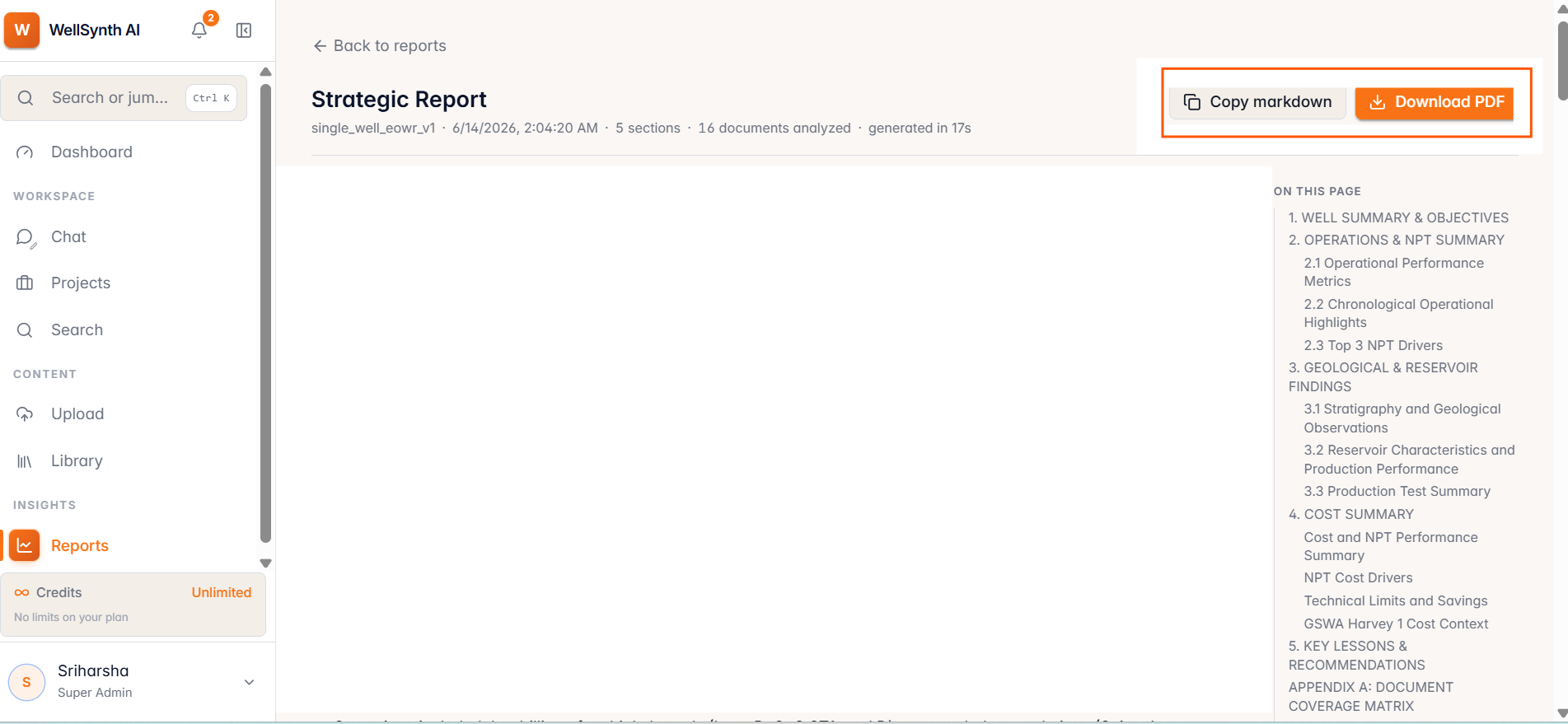
When the report is ready it renders as a formatted document:
- Use the section navigator ("On this page") to jump between sections.
- Copy markdown to reuse the report elsewhere.
- Download PDF for a shareable, rendered copy.
Templates
Reports are driven by templates that define each section's focus, retrieval probes, and synthesis prompt. From Reports → Templates you can:
- Use the built-in templates (a cross-well strategic analysis and a single-well digest).
- View & customize a built-in to spin up your own variant.
- Create a custom template from scratch — or import a JSON spec to skip filling sections by hand.
Tip: scope matters. A focused project (one field or campaign) produces a sharper, more comparable report than a catch-all project.