Getting started
Welcome to WellSynth AI
What WellSynth does and how the pieces fit together.
WellSynth AI turns your library of unstructured well reports into a cited, queryable knowledge base. Instead of scrolling through hundreds of PDFs, your team asks questions in plain language and gets answers grounded in the exact source pages.
This guide walks you through the product end to end — from signing in to running your first search — with tips for getting the most out of it.
What you can do
- Upload well reports, logs and programs as PDFs; WellSynth extracts and indexes every page.
- Ask questions in chat and get answers with inline citations back to the source document and page.
- Search semantically across text, tables, entities and figures.
- Organize documents into projects to keep each well or study focused.
- Stay private — your data is scoped to your tenant and never leaves it.
How the pieces fit together
- Create a project for a well, field or study.
- Upload the relevant PDFs into it — WellSynth ingests and indexes them.
- Ask questions in chat or run a search; every answer cites its sources.
- Open a document to read the exact page an answer came from.
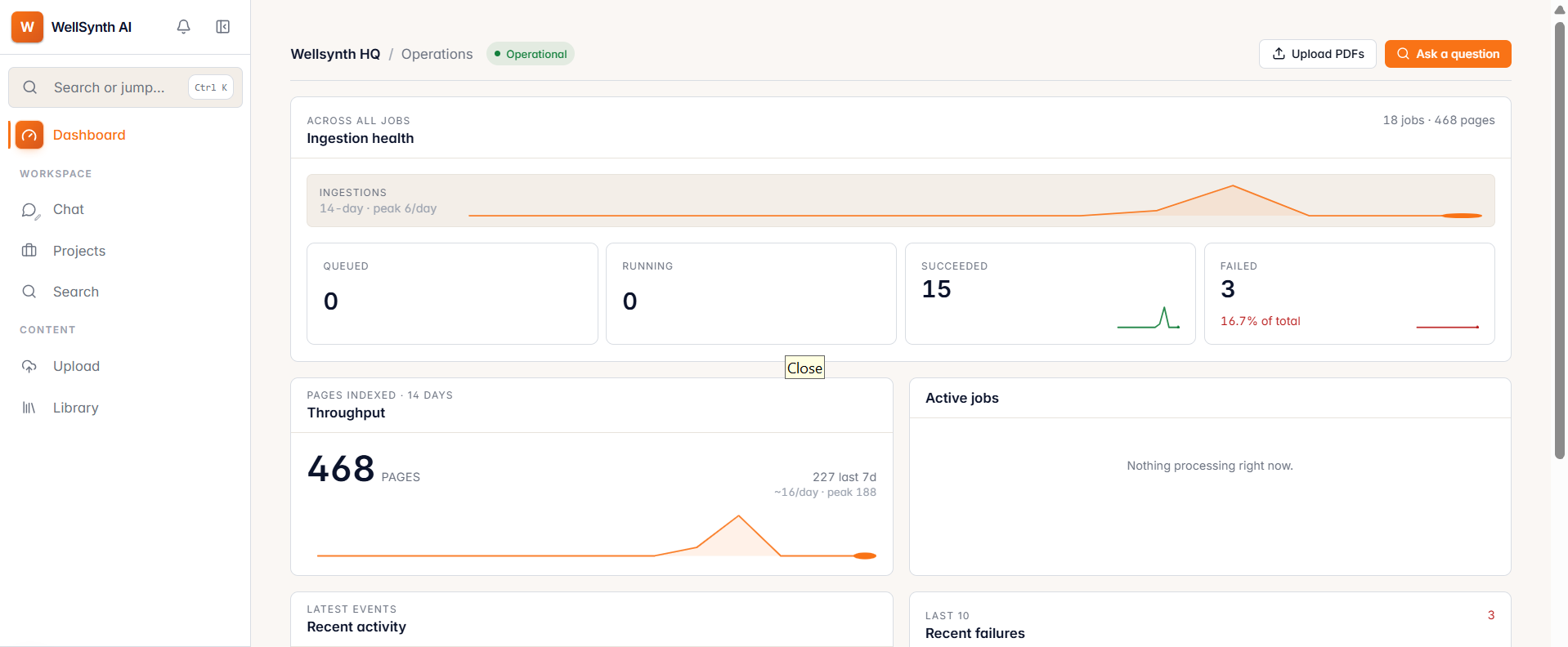
New here? Follow the sections in order — the next one covers signing in, then we build up from your first upload to advanced search.