Getting started
Signing in
How invite-only access works and what to do if you're locked out.
WellSynth AI is invite-only. Your administrator sends an invitation to your work email; once accepted, you sign in with your email and password.
Sign in
- Open your team's WellSynth URL and select Sign in.
- Enter your work email and password.
- Select Sign in — you'll land on your dashboard.
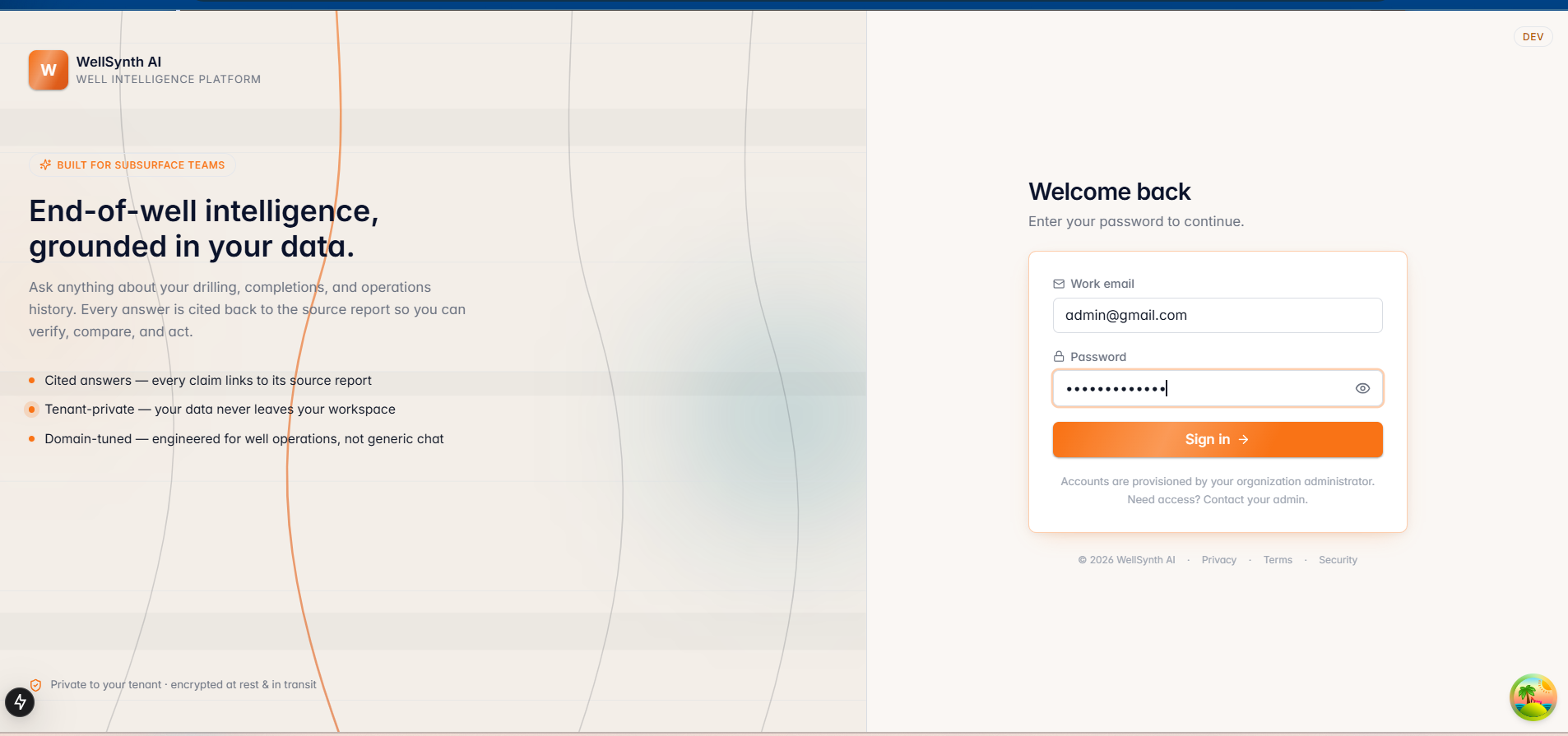
The login screen remembers your last email on this device, so returning is one step. Use "Use a different account" to switch.
If you can't get in
- Caps Lock is detected and flagged under the password field.
- After several failed attempts you may be rate-limited for a short, visible countdown — wait it out and retry.
- If your session expired you'll see a notice and be returned here; just sign in again.
- For access, role or password issues, contact your administrator (see Administration) or open a support ticket from Help.
Tip: WellSynth only asks for your password on this screen. Never enter your credentials into chat, documents, or links sent to you.