Power use & admin
Settings & preferences
Profile, password, theme and memory.
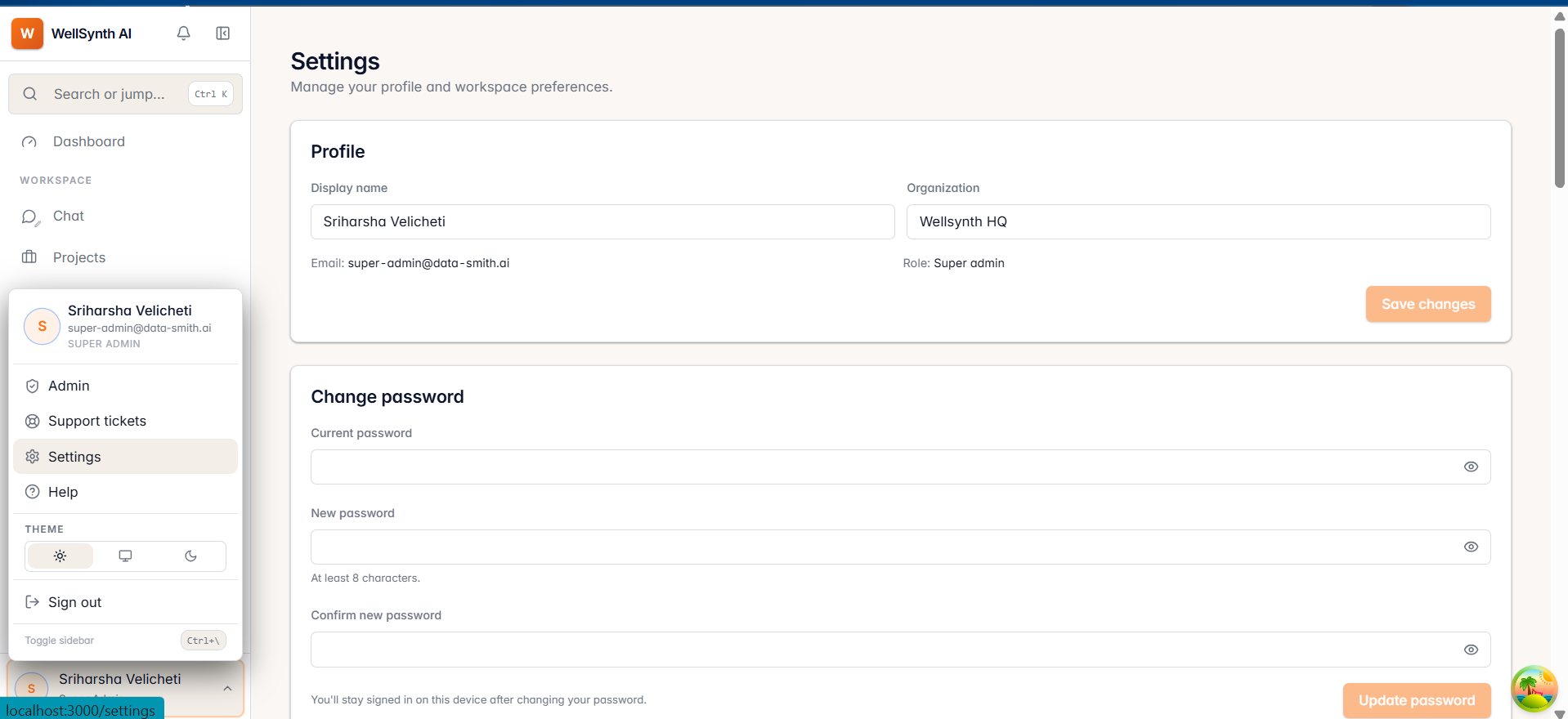
Manage your profile and preferences under Settings, opened from your avatar menu.
What you can change
- Profile — your name, email and role (your role is assigned by an admin).
- Password — update your password.
- Appearance — choose Light, Dark or System theme.
- Memory — where enabled, let WellSynth remember context and preferences across chats.
- Connection — view which backend your workspace is connected to.
Tip: choose System appearance to follow your operating system's light/dark setting automatically.